
XTranslate — AI-powered translator for websites & PDFs
Instantly translate full pages, documents or any selected text right where you read
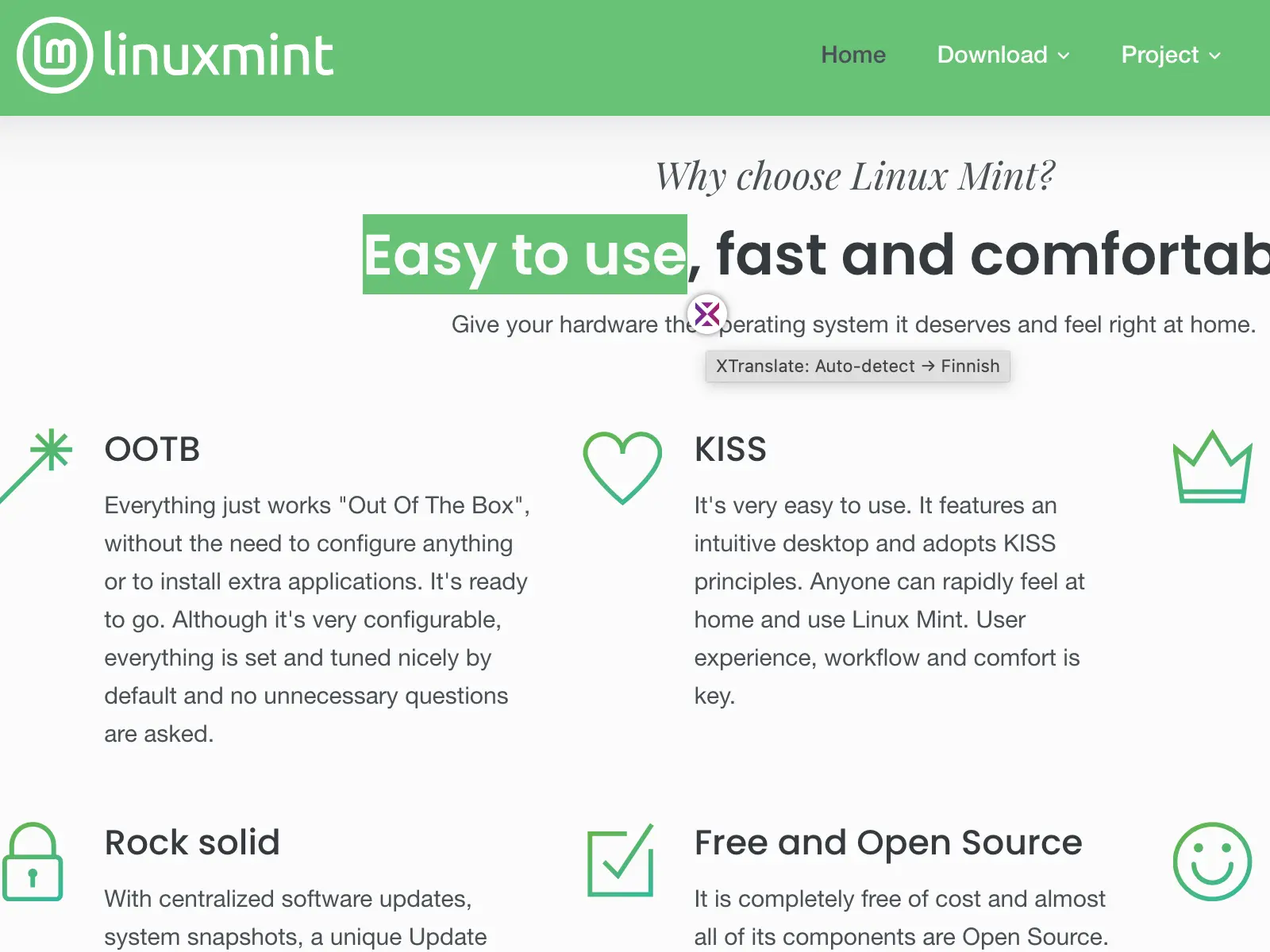
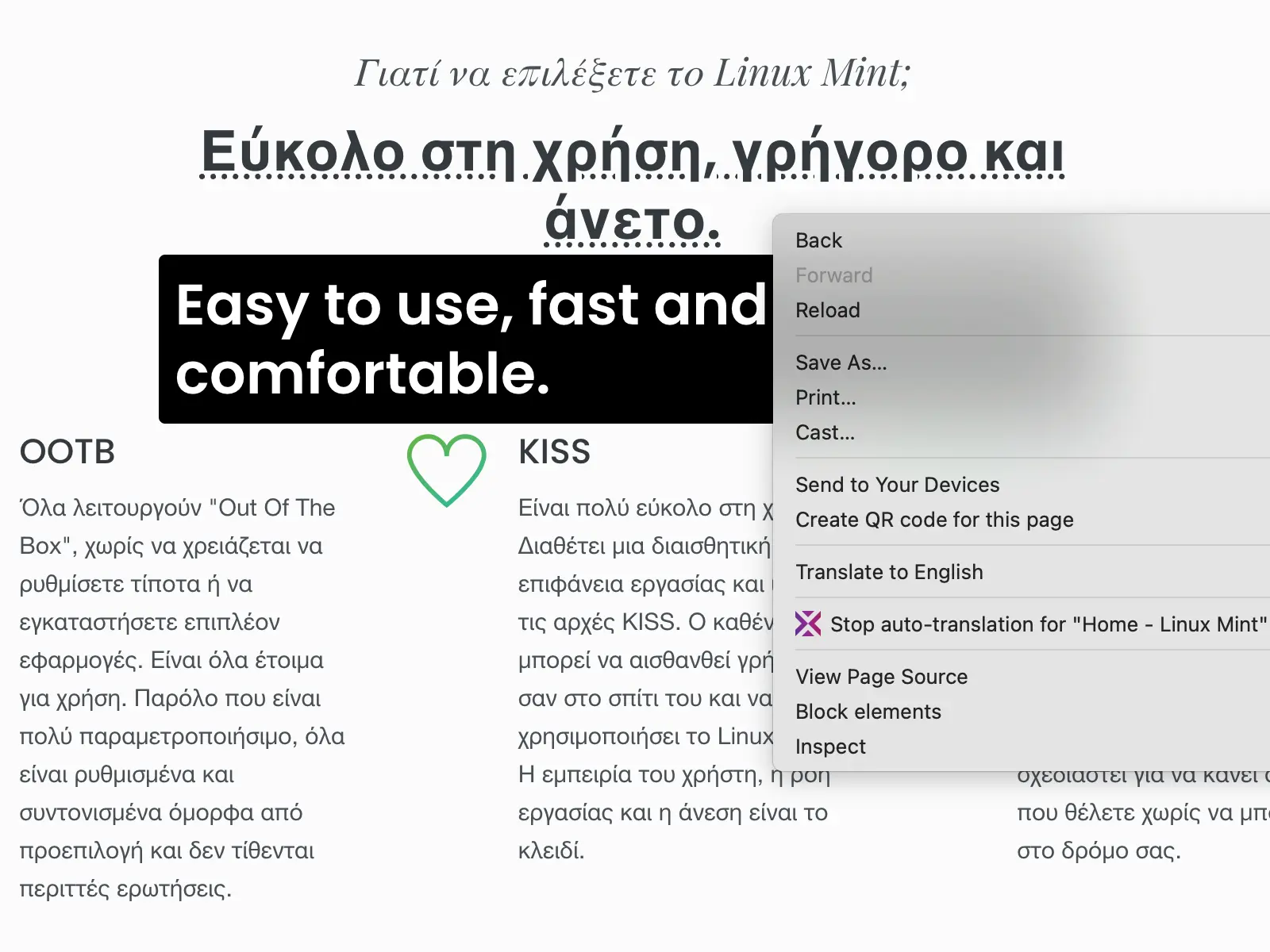
It will help you to learn and understand foreign languages and get real-time in-place text translation of selected text from HTML or PDF documents and even get full web-page text translation.
Translate from 100+ foreign languages to your native language directly at web-site you're reading or type some text at extension main window to get instant text translation.

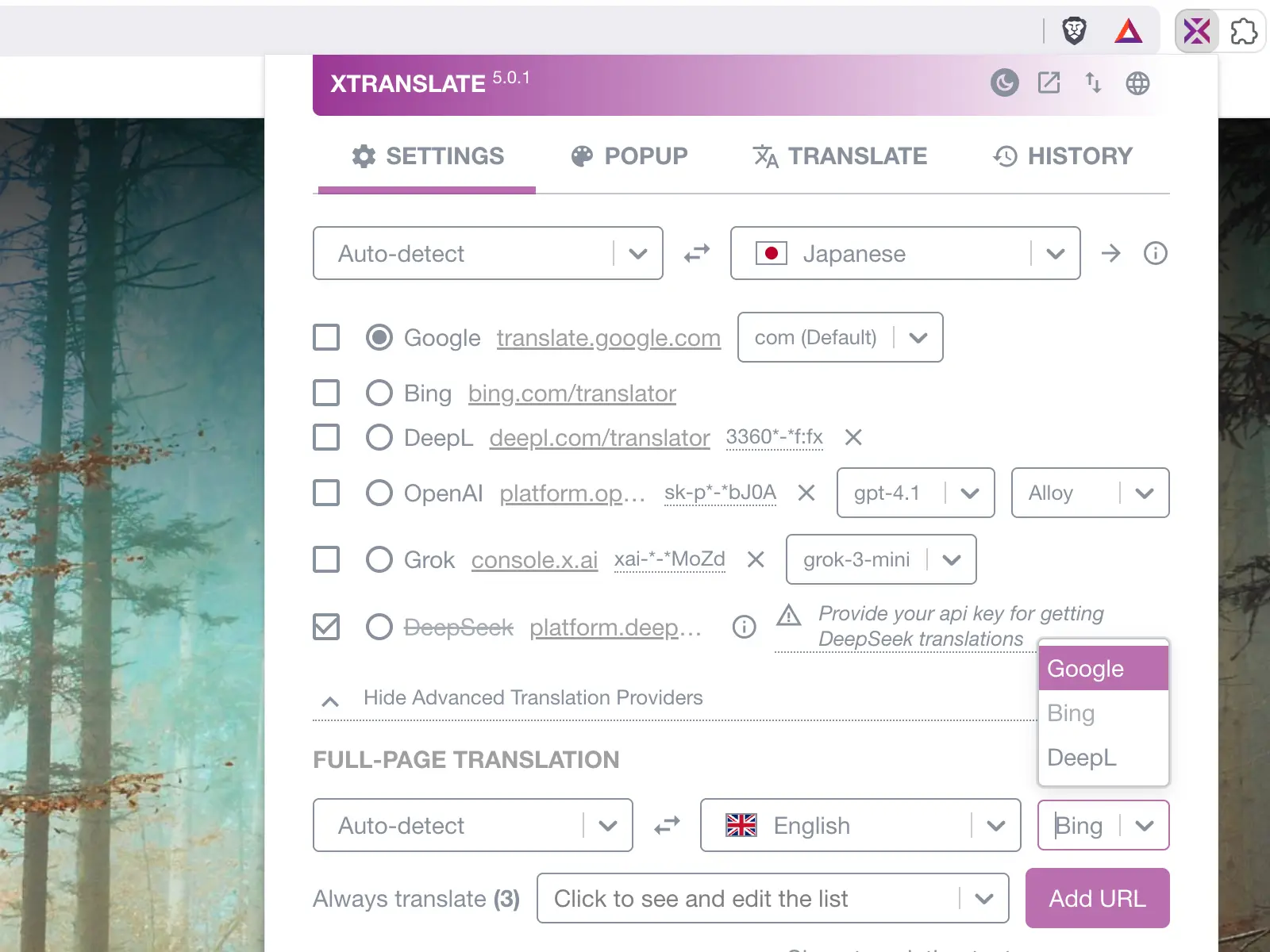
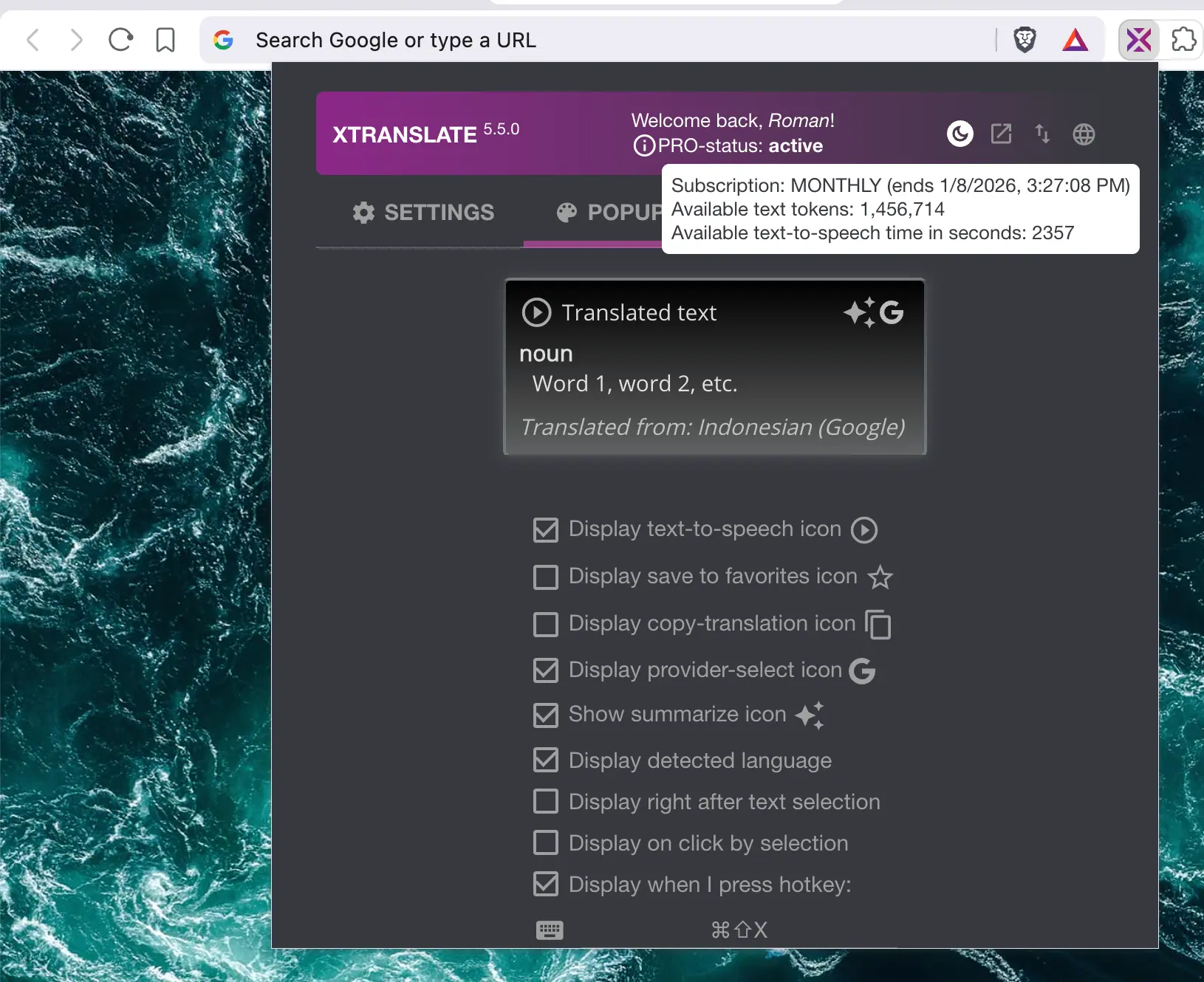

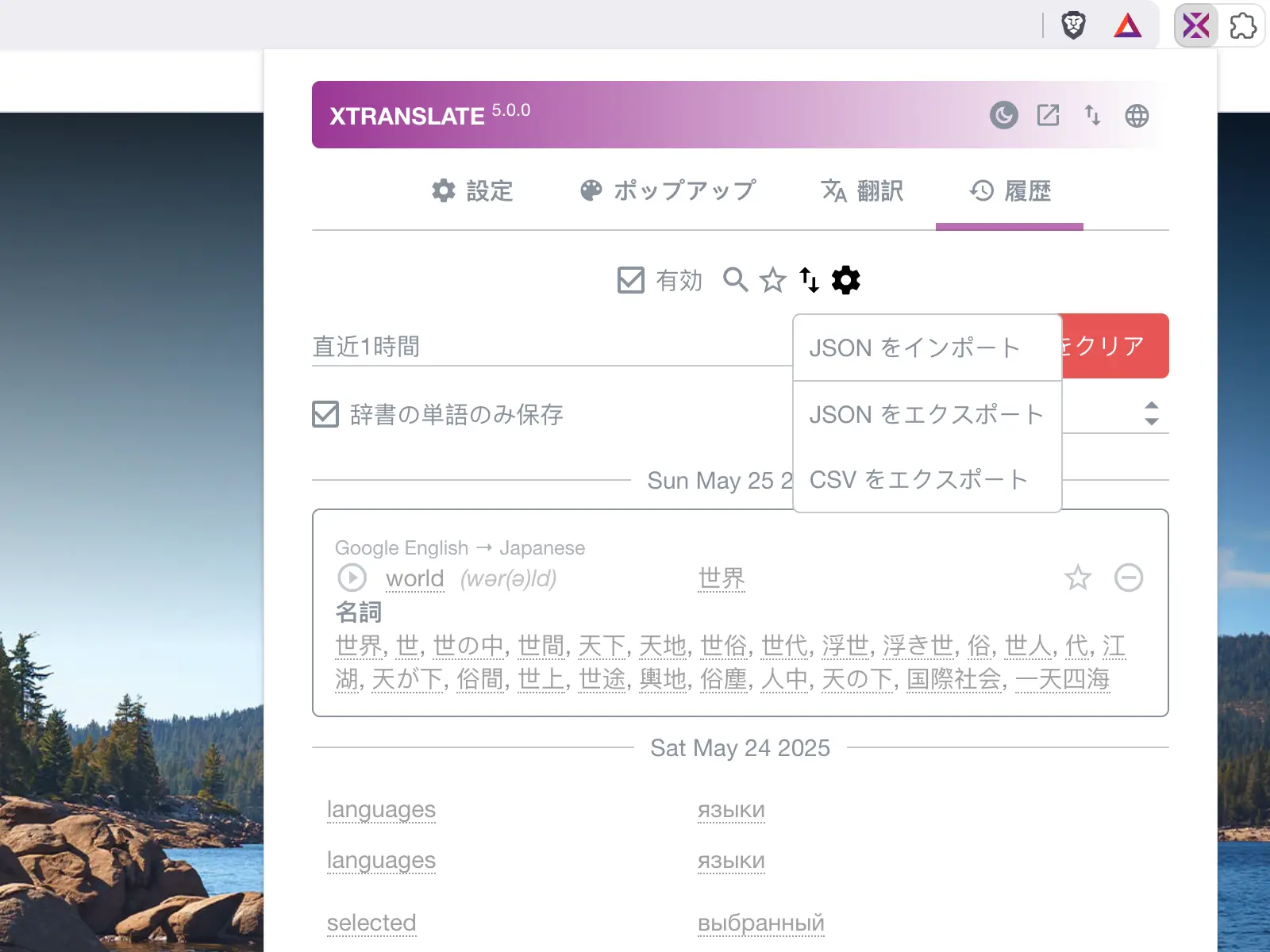
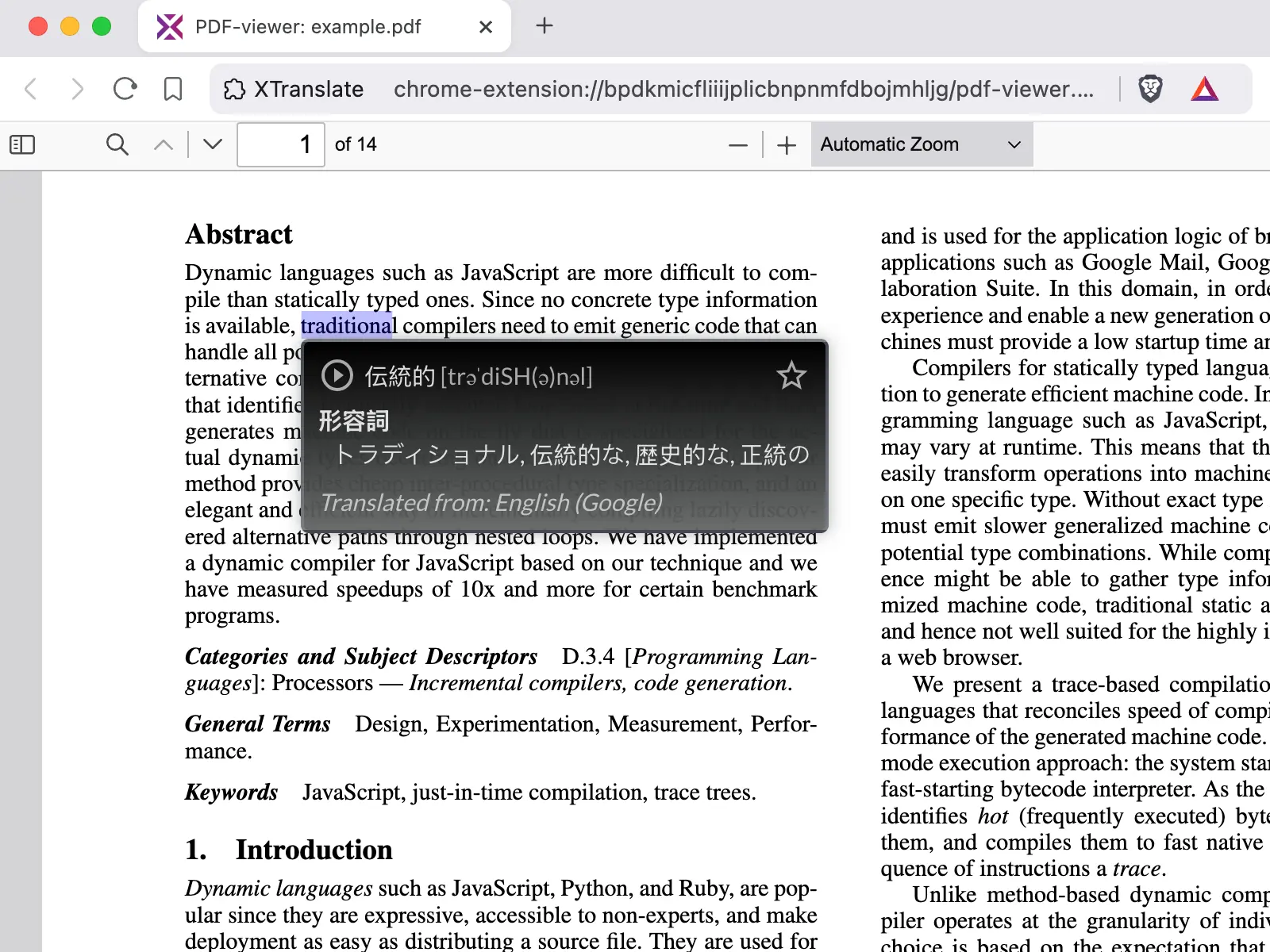
Available translation providers
Features
Many ways to get text translation from web-pages:
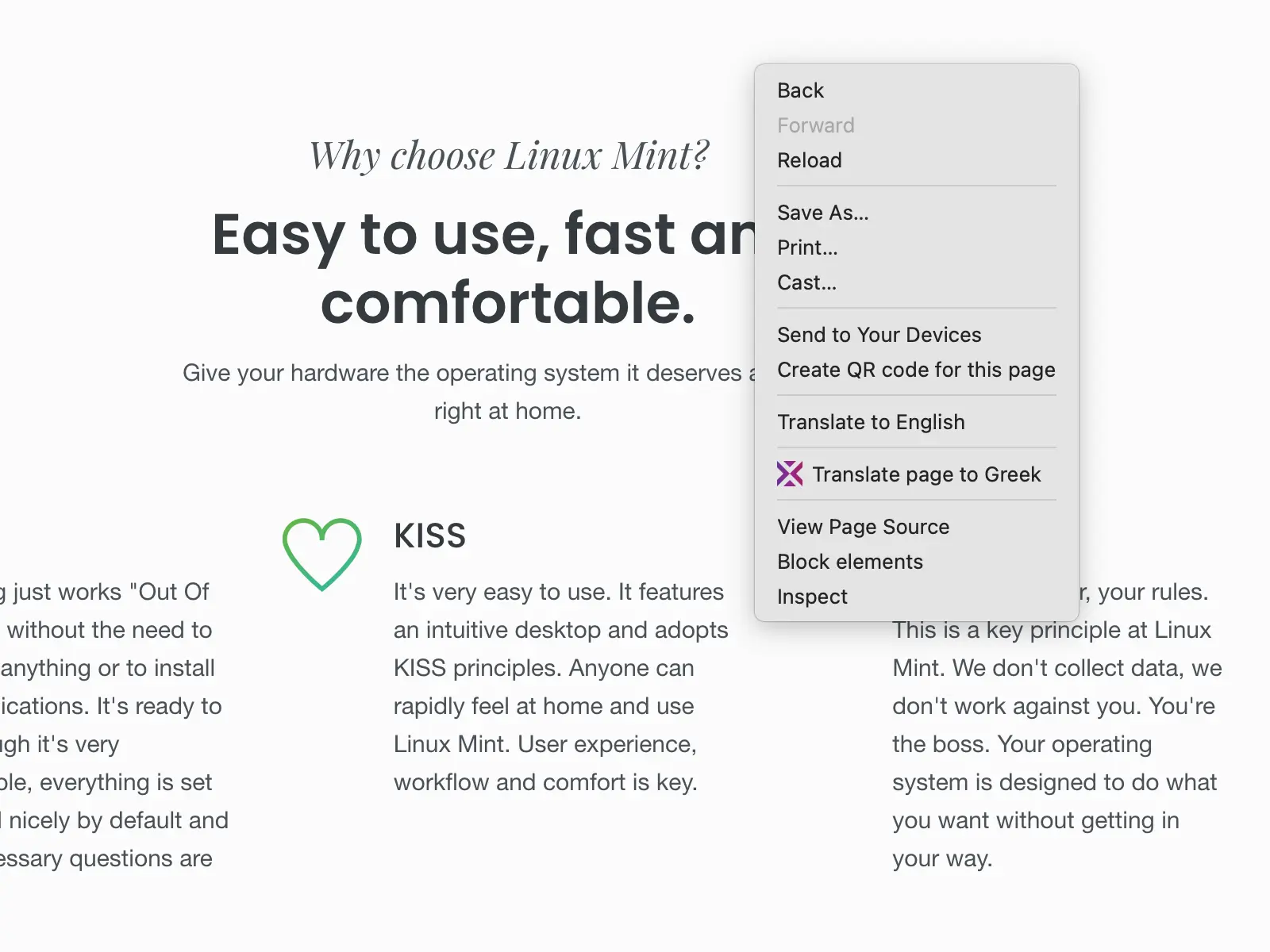
- Get full-page text translation (via browser’s context-menu, extensions toolbar icon or app's action-window)
- Get translation in-place by double-clicking a word
- Select text and click the translation icon that appears nearby
- Click the selected text itself (turned off by default)
- Get translation immediately after text selection (turned off by default)
- Mouse over a block of text and press the predefined hotkey in settings (Alt+Shift+X by default)
- PDF files are supported for in-place translations (requires enabling the custom PDF.js viewer in app settings)
- Type your text in the app’s “Translate” tab (extension action-window); we recommend setting a hotkey at
chrome://extensions/shortcuts - Listen text-to-speech (TTS) from all supported providers (e.g Google, OpenAI) or with the browser's speech-synthesis engine
- Save favourite translations as quick bookmarks in history
- Adjust the translation popup design — font size, colors, etc.
- View and edit the history of translations
Security considerations when bring your own API-keys
- Your access API-key (e.g. OpenAI, Gemini, DeepSeek) stored in chrome.storage.local and used only within HTTP
Authorizationheader to sign API requests (which is not exposed or tracked, even if webRequest enabled in some other malicious extension). - HTTP-requests for AI-translations processed via official NPM-package from OpenAI and running only within background service-worker which helps with XSS-kind of attacks.
- Don't enter or share your API-keys anywhere except extension's settings page.
- It's recommended to turn-off your balance auto top-up at selected AI-provider platform