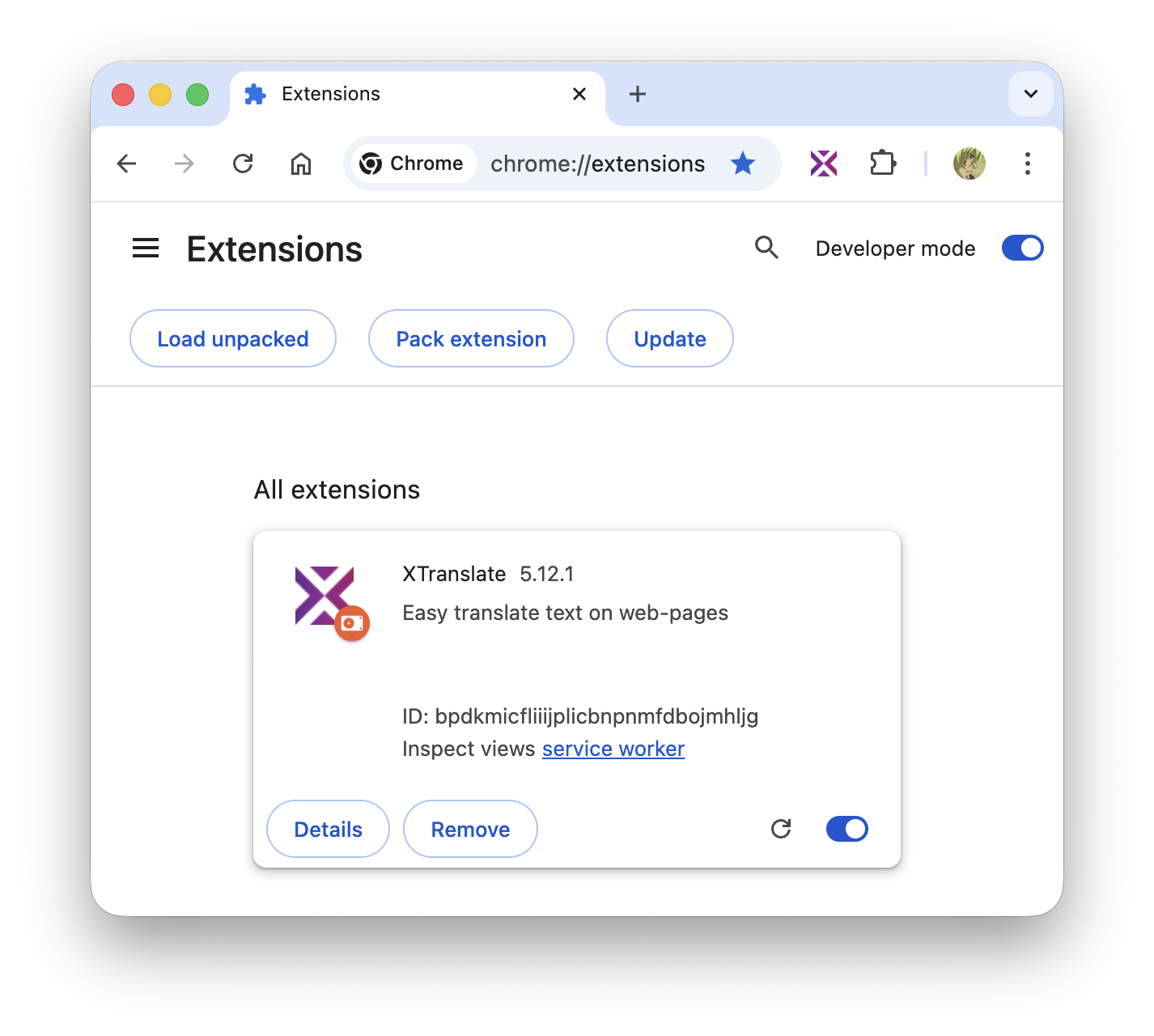
Installation instructions for XTranslate zip-archive build
- Download latest app build from here
- Unpack archive to some directory at your computer
- Go to the your browser extensions system page
chrome://extensions(click to copy) - At the extensions system page enable Developer mode checkbox as shown on the screenshot
- Press Load Unpacked button and select extracted folder (contains manifest.json and other files in the root)